AI Coding Tool Cursor Launches Visual Editor: A Game-Changer for Designers
AI coding tools are no longer just for developers; they are now fundamentally changing the design workflow as well.
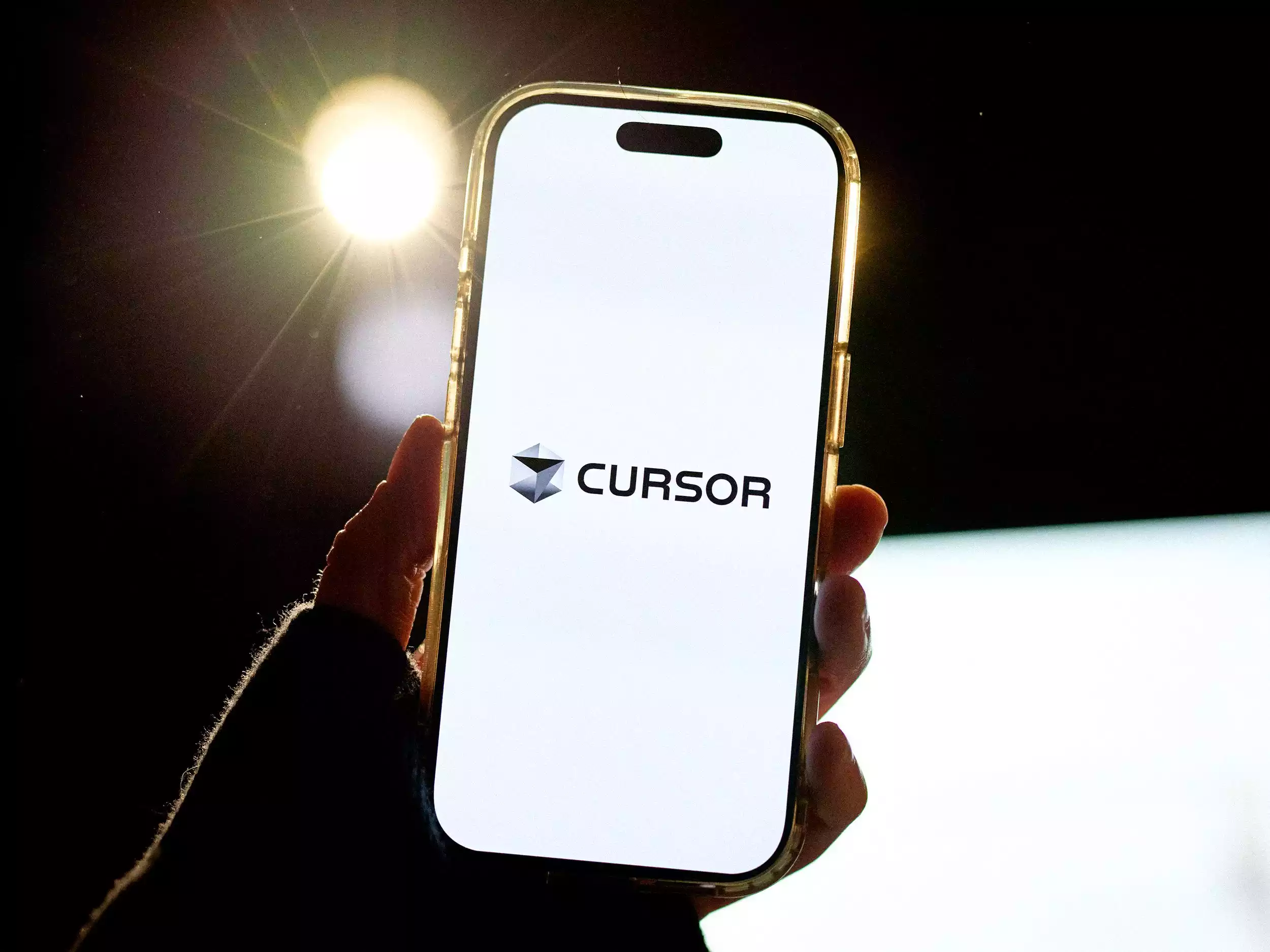
Cursor, a wildly popular AI coding startup, has stepped up with its new feature, the Visual Editor, aimed at designers. It promises to allow us to design the entire look and feel of web applications with the assistance of AI.
What Exactly is Cursor?
Cursor is an AI-powered coding platform that provides developers with smart features like code completion, debugging, and overall workflow automation.
The platform is especially famous among teams that build web applications at a fast pace and want to use AI to drastically speed up their development process.
So, What is the Visual Editor?
The Visual Editor is Cursor’s new AI-based design tool that enables designers to create and edit a web app’s UI visually.
Using this tool, a designer can control components, layout, and styles much like in traditional design software, but here’s the kicker: they can also request changes using simple natural language prompts.
Key Features of the Visual Editor
-
Vibe-Based Design: Define the overall look and feel, and then let the AI generate or refine the UI based on that aesthetic vibe.
-
Fine-Grained Control: You get pixel-level precision, just like in professional design software, allowing you to adjust even the smallest details.
-
Natural Language Edits: Give instructions like, “Make the button a little bigger,” or “Make this section look more minimal,” and the AI agent applies the changes instantly (though for now, you will need to use English prompts).
Why is This Tool Crucial for Designers?
In the traditional flow, a designer creates the final design in Figma or another tool, and then a developer has to painstakingly convert it into code. This takes up both time and extensive back-and-forth communication.
With the Visual Editor, the designer works directly in an environment where code and design are integrated with AI, making the handoff process incredibly smooth.

This allows even non-technical designers to get an output that is very close to production-level UI, all without needing deep coding knowledge. This drastically speeds up frequent iterations, A/B testing, and making design changes based on client feedback.
Content Gap Analysis: What is the Onboarding Process?
A lot of people also ask how to get started with (or ‘shuru karein’) this tool.
First, you need to visit the Cursor platform and get an account. After that, to access the Visual Editor feature, you might need to join their beta program, as it’s a new rollout.
Being a startup, the onboarding process is typically kept simple so that new designers don’t have to put in too much effort. You should also find initial tutorials or guides that explain the tool’s basic functionality.
The Figma Experience, But Powered by AI
Cursor’s Visual Editor is specifically targeting designers who already use tools like Figma but are now looking for a more intelligent workflow powered by AI.
The core idea is to give you a familiar type of interface, but with the AI assisting you inside—helping with layout, color palettes, spacing, typography, and complex UX decisions.
This combination frees design teams from manual, repetitive tasks, giving them more time to focus on high-value creative decisions.
The Business Angle: Why is Cursor Targeting Designers?
Cursor is a startup of around 300 people that was primarily focused on developers. Now, the company wants to bring designers onto the platform as well, creating an end-to-end AI product stack where everything, from design to development, lives within a single ecosystem.
Competition in the AI software market is pretty intense, so tools that can serve the entire product team are much more likely to have a long-term advantage. [Cursor]‘s Visual Editor looks like a strategic move in this exact direction.
Who Should Definitely Try This Tool?
-
UI/UX designers who want to experiment with AI to fast-track their daily workflow.
-
Front-end developers looking to close the gap between design and code.

-
Product teams that need to quickly test prototypes, variations, and experiments.
Final Thoughts
Cursor’s Visual Editor is an AI tool for designers that has the potential to take the traditional design approach to the next level.
The bottom line is this: If you are in the design field and want to become future-ready by working with AI tools, you should definitely try this new feature and see just how much of a difference it makes to your workflow.
Life-Changing AI Tools: The best websites to simplify your life and work
Online Game se Paise Kaise Kamaye 2026: Top 16 Apps से ₹ कमाएं
Top AI Tools Hindi: यूज़र बेस, फायदे और खतरे (Ai Tools Hindi)
21 Best AI Tools जो आपका काम आधा कर देंगे: Time-Saving Productivity Hacks 2025
AI Video Revolution: 40+ सबसे धांसू AI Video Tools की पूरी लिस्ट

India’s No. #10 Hindi news website – Deshtak.com
(देश और दुनिया की ताज़ा खबरें सबसे पहले पढ़ें Deshtak.com पर , आप हमें Facebook, Twitter, Instagram , LinkedIn और Youtube पर फ़ॉलो करे)