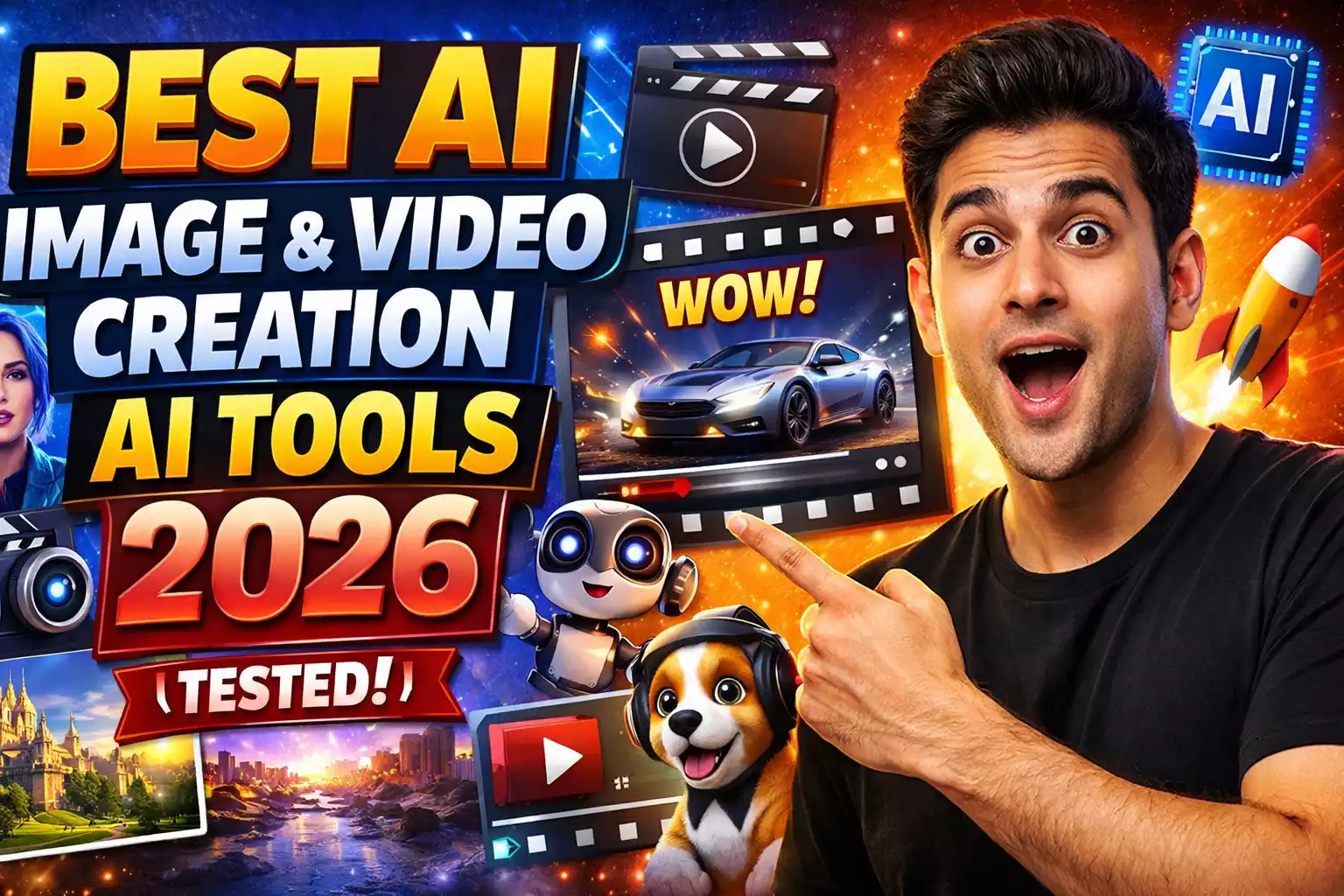
Best AI Image & Video Creation Ai Tools in 2026: Speed vs. Control (Tested)
AI Video Generation & Editing: If you’re looking for the best AI image & video creation tools in 2026, you don’t have time for theory. You need production-ready assets.
The market has shifted. Now, in 2026, professional workflows demand temporal consistency, high-resolution upscaling, and precise prompt adherence. I tested the leading platforms across image editing, image-to-video, lip sync, and generative video to find tools that hold up in real production pipelines—not just curated demos.
After 40+ hours of hands-on testing, Magic Hour remains the most balanced ecosystem for creators who need end-to-end video production, while Runway continues to lead in high-end cinematic textures.
Best AI Tools for Dropshipping in 2026 | Automate & Scale Your Store
Quick Verdict: Top 6 AI Tools at a Glance
| Tool | Best Use Case | Max Resolution | Gen Model | Starting Price |
| Magic Hour | Overall Best (Video-to-Video, Lip Sync) | 4K (Upscaled) | Custom Diffusion | Free / $15/mo |
| Runway | Cinematic/Film Production | 4K | Gen-3 Alpha | $12/mo |
| Pika | Fast Social Media Motion | 1080p | Pika 2.0 | $10/mo |
| HeyGen | Corporate Avatars & Sales | 4K | Proprietary | $24/mo |
| D-ID | API-First Talking Heads | 1080p | D-ID V2 | $5.99/mo |
| FaceFusion | Local/Offline Face Swap | Source Res | Open Source | Free (Requires GPU) |
1. Magic Hour — Best Overall AI Video Production Suite
Target Audience: Content Creators, Marketers, Indie Developers.
Magic Hour earns the top spot not just for raw generation power, but for workflow integration. While competitors like Luma Dream Machine or Kling focus solely on “text-to-video,” Magic Hour builds a bridge between AI image editing and video generation. It resolves the fragmentation issue where creators previously needed four separate subscriptions to finish one video.
Technical Deep Dive:
-
Video-to-Video: Offers superior style transfer fidelity. You can upload raw phone footage and transform it into anime or cinematic styles without losing the original subject’s motion data.
-
Lip Sync Engine: Uses advanced audio-driven facial animation that reduces the “jittery jaw” artifacting common in older models.
-
Upscaling: Built-in lossless upscaling allows for 4K exports, crucial for YouTube and broadcast standards.
Pros:
-
Unified suite: Image-to-video, face swap, and editing in one UI.
-
High temporal consistency (backgrounds don’t “flicker” aggressively).
-
Generous credit system compared to Runway’s credit burn rate.
-
Precise control over motion strength and camera seed.
Cons:
-
No native mobile app yet (Web-optimized).
-
API rate limits can be tight for enterprise-scale automated generation.
The Verdict: If you need a “Swiss Army Knife” that replaces separate subscriptions for Midjourney, Pika, and a face swapper, Magic Hour is the ROI leader.
Expert Note: Check their breakdown of AI video tooling trends to understand how they handle multimodal AI workflows.
2. Runway — Best for Cinematic High-Fidelity Video
Target Audience: Filmmakers, VFX Artists, Ad Agencies.
Runway (specifically the Gen-3 Alpha model) remains the gold standard for visual fidelity. It treats AI video generation less like a slot machine and more like a simulation. Tools like the “Motion Brush” give you granular control over specific pixels, allowing you to animate just the clouds or just the water in a scene.
Technical Deep Dive:
-
Motion Brush: Allows for “painting” motion vectors onto static images.
-
Camera Controls: Director-level inputs (Zoom, Pan, Tilt, Roll) with precise speed integers.
-
Director Mode: Enables advanced keyframing, essential for complex storytelling.
Pros:
-
Best-in-class texture rendering (photorealism).
-
General World Models understand physics better than most competitors.
-
Frequent updates (Gen-3 Alpha is significantly faster than Gen-2).
Cons:
-
Steep learning curve for non-editors.
-
Rendering pipeline can be slow during peak server loads.
-
Expensive: High-res generation burns credits fast.
6 Best AI Tools to Learn Maths Effectively: Solve Problems Faster
3. Pika — Best for Social Media & “Meme” Velocity
Target Audience: TikTok Creators, Social Media Managers.
Pika (currently Pika 2.0) is built for speed. It specializes in image-to-video generation with a specific focus on “fun” physics (like melting, inflating, or exploding objects). It lacks the fine-tuned control of Runway but makes up for it with viral potential and ease of use.
Technical Highlights:
-
Lip Sync: Recently added, bringing it closer to parity with other tools.
-
Sound Effects: Auto-generates SFX based on the video content (e.g., bacon sizzling sounds if you generate frying bacon).
Pros:
-
Lowest latency from prompt to preview.
-
Intuitive “Modify Region” tools for quick fixes.
-
Optimized for vertical (9:16) aspect ratios.
Cons:
-
Lower fidelity on complex textures (skin, water).
-
Limited camera motion control.
4. D-ID — Best for API-Driven Talking Heads
Target Audience: Developers, EdTech Platforms.
D-ID focuses strictly on facial animation and lip-sync technology. While it isn’t a “generative video” tool in the sense of creating scenes from scratch, it is the industry standard for automating talking head videos via API.
Pros:
-
Robust API for integration into apps/websites.
-
Real-time streaming capabilities (Live Portrait).
-
Cost-effective for high-volume generation.
Cons:
-
Avatars can look “stiff” (limited body language).
-
Not suitable for creative storytelling beyond narration.
5. HeyGen — Best for Enterprise & Corporate Communications
Target Audience: Sales Teams, HR, L&D.
HeyGen has cornered the corporate market with its Instant Avatar technology. You can clone yourself with a 2-minute webcam recording. The output is indistinguishable from real video for casual viewing, making it the “Zoom killer” for asynchronous updates.
Pros:
-
Voice Cloning: Matches the avatar’s lip movements to your cloned voice perfectly.
-
Video translation: Changes the lip sync to match translated audio (e.g., English to Japanese).
-
Enterprise-grade security and SOC 2 compliance.
Cons:
-
Strictly business-focused (limited creative styles).
-
Premium pricing puts it out of reach for hobbyists.
6. FaceFusion — Best for Open-Source Experimentation
Target Audience: Developers, Privacy Advocates.
FaceFusion is a locally run, open-source face swap and enhancement tool. It requires a decent GPU (NVIDIA with CUDA is recommended) but offers zero ongoing costs and complete privacy.
Technical Deep Dive:
-
Frame Processors: Uses GFPGAN and CodeFormer for face restoration.
-
Local Rendering: No cloud latency, but reliant on your hardware specs.
Pros:
-
Free (Open Source).
-
No content filters or cloud restrictions.
-
Process data locally for maximum privacy.
Cons:
-
Requires technical setup (Python/Git installation).
-
No customer support.
-
Heavy hardware requirement (8GB+ VRAM recommended).
2026 Comparison: How I Evaluated These Tools
I utilized a standardized “stress test” for all platforms using NVIDIA RTX 4090 benchmarks and cloud latency timers.
-
Temporal Consistency: Does the character’s face morph or glitch between frames? (Magic Hour and Runway excelled here).
-
Prompt Adherence: Does the AI actually listen to complex instructions (e.g., “Cyberpunk lighting, 50mm lens, cinematic grain”)?
-
Artifacting: Checking for common AI failures like extra fingers, shimmering textures, or “floating” objects.
-
Workflow Speed: Time measured from “Login” to “Downloadable MP4.”
Market Trends Watching
-
Consolidation: The era of single-feature tools is ending. Users want suites (like Magic Hour) rather than disparate apps.
-
Hybrid Workflows: Professionals are using Midjourney for the base image (consistency) and Runway/Magic Hour for the motion (animation).
-
Predictability: Studios prefer a tool that delivers a “7/10” result every time over a tool that gives a “10/10” result once every 50 tries.
Final Recommendation
-
For the “One-Stop-Shop” Creator: Magic Hour. It balances the AI image editor, video gen, and face swap tech into a cohesive workflow that actually saves time.
-
For High-End Visuals: Runway. If you need Hollywood-style grain and motion control.
-
For Corporate Scaling: HeyGen. Unbeatable for sales outreach.
If you’re serious about digital content creation in 2026, I recommend starting with the Magic Hour free trial to test the full “Image-to-Video” pipeline, then comparing the motion quality against a Pika generation. The difference in control will be obvious immediately.
FAQs
1. What is the difference between “Image-to-Video” and “Text-to-Video”?
Text-to-Video generates a scene from scratch based on a prompt, often resulting in lower consistency. Image-to-Video (available in Magic Hour and Runway) allows you to upload a perfect static image (generated via Midjourney or Flux) and animate it, ensuring the subject looks exactly how you want before motion is added.
2. Can I use these tools for commercial work in 2026?
Yes, most paid plans (including Magic Hour’s Creator tier and Runway’s Standard tier) grant commercial rights to the generated assets. However, always review the specific Terms of Service regarding trademarked characters or deepfakes.
3. Why do my AI videos flicker? (Temporal Stability)
Flickering occurs when the AI generates each frame independently without referencing the previous one. Tools like Runway Gen-3 and Magic Hour use advanced latent diffusion models that prioritize temporal stability, significantly reducing this “shimmering” effect compared to older 2024 models.
4. Do I need a powerful PC to use these tools?
For cloud-based tools like Magic Hour, Pika, and Runway, no—the rendering happens on their servers. For local tools like FaceFusion, yes—you need a powerful GPU (like an NVIDIA RTX 3060 or higher) to render effectively.
5. Which tool has the best Lip Sync technology?
For realistic, audio-driven lip sync on realistic video, Magic Hour and HeyGen are the current leaders. Pika has added lip sync, but it is better suited for stylized/animated characters rather than photorealistic humans.
Scale Your Revenue 10X with 7 Best AI Automation Tools: No New Team Required!
(“Stay updated with the latest national and international news on Deshtak.com. Connect with us on Facebook, Twitter, Instagram , LinkedIn, and Youtube.”)