
Best AI for Customer Support Teams: 8 Tools to Grow Your Business in 2026
In 2026, the pressure on support teams is higher than ever. Customers aren’t just looking for answers anymore—they want them instantly. They want a straight solution, not a list of excuses.
Recent reports suggest that businesses using AI-driven support resolve issues 80% faster and slash their support costs by nearly 30%. This is exactly why AI, when used correctly, is completely changing the face of modern customer service.
But let’s be honest: not all tools live up to the hype. We’ve all dealt with those generic chatbots that keep repeating the same tired, unhelpful answers. So, the real question is—which tool actually delivers on quality?
In this article, we’re breaking down the best AI for customer support teams that you can actually trust to get the job done.
Top AI Tools for Customer Support
1. Zendesk AI
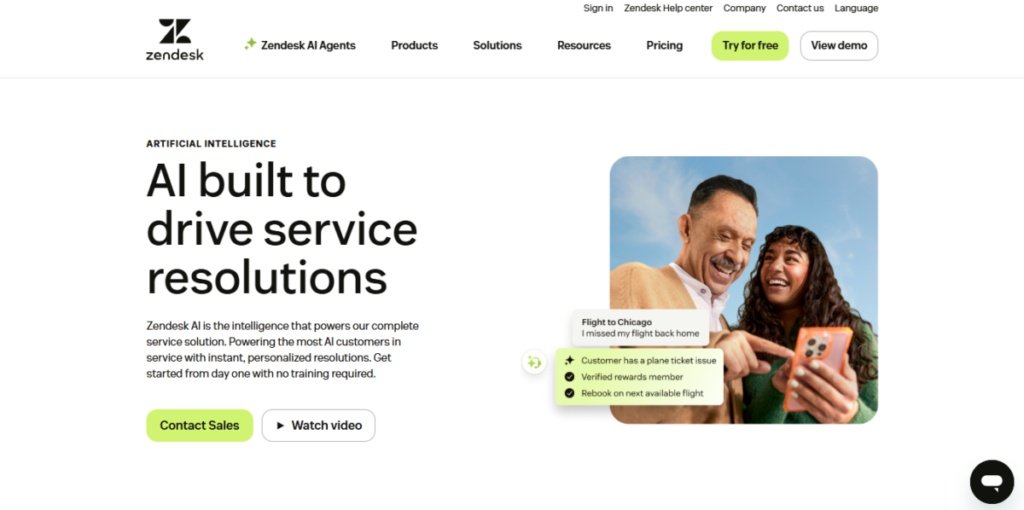
Zendesk is easily one of the heavyweights in the customer support world. What makes their AI stand out is that it’s trained on billions of real customer conversations. You can feel that depth in how naturally it handles requests. Whether it’s emails, live chat, voice calls, or social media messages—everything flows into one smart, unified system.
When an issue pops up, Zendesk AI doesn’t just log a ticket; it actively tries to solve it. Most routine questions get an instant fix, while the trickier cases are handed off to the right human agent at exactly the right time.
This balance is why massive brands like Uber swear by it. They deal with staggering volumes, and Zendesk AI keeps things from spiraling into chaos. If you’re running a growing operation and need the best AI for customer support teams that understands context, Zendesk sets a very high bar.
Key Features:
-
Autonomous AI agents: Solves complex queries without needing human intervention.
-
Smart ticket routing: Directs issues to the best-suited agent based on skill, urgency, and history.
-
AI Copilot: Provides real-time reply suggestions and context to agents during live chats.
-
Predictive analytics: Flags trending issues before they turn into a full-blown crisis.
-
Integrated Multi-channel Support: Covers everything from email and chat to voice and social media.
Pros and Cons
| Pros | Cons |
| Handles multichannel support effortlessly | Can be quite expensive for small teams |
| Scales easily as the business grows | Setup and learning curve take some time |
| Strong security and GDPR compliance | Out-of-the-box UI customization is limited |
| Powerful automation for high ticket volumes | Advanced features require higher-tier plans |
Best For:
-
Mid-sized to large companies with high support volumes.
-
Fast-growing startups needing scalable customer service AI.
-
Enterprises managing interactions across multiple channels.
2. Freshdesk (Freshworks)

Freshdesk makes AI feel simple. At the heart of this platform is Freddy AI, Freshworks’ built-in intelligence that handles a massive chunk of support without any unnecessary drama.
Routine questions get answered instantly, allowing your agents to focus on cases that actually require a “human touch.” What really makes Freshdesk a great pick is how easy it is to set up. Many teams find themselves up and running in just a few hours. It’s no wonder over 60,000 businesses rely on it daily.
You don’t need a dedicated tech team or months of onboarding. Just sign up, connect your channels, train Freddy AI, and you’re good to go. For growing teams looking for a reliable best AI for customer support teams without the complexity of enterprise-level solutions, Freshdesk hits the sweet spot.
5 Must-Have AI Tools for Small Businesses Set to Rule 2026
Key Features:
-
Freddy AI bots: Manages support across WhatsApp, email, and live chat.
-
Intelligent workflows: Automates common tasks like refunds and ticket escalations.
-
Real-time insights: Highlights spikes in trends and common customer pain points.
-
Vertical AI agents: Can be built in minutes for specific use cases.
-
Mobile-first support: Allows agents to work effectively from anywhere.
Pros and Cons
| Pros | Cons |
| Affordable plans for small teams | Voice AI is slightly less advanced |
| Quick setup with minimal configuration | Fewer deep integrations compared to enterprise tools |
| Very user-friendly interface | Reporting might feel basic for advanced teams |
| Excellent mobile app for remote support | Customization is limited on lower plans |
Best For:
-
Small to mid-sized businesses scaling their customer service.
-
Startups needing quick deployment without a heavy setup.
-
Teams providing support primarily through WhatsApp and chat.
3. Intercom (Fin AI & Support Suite)
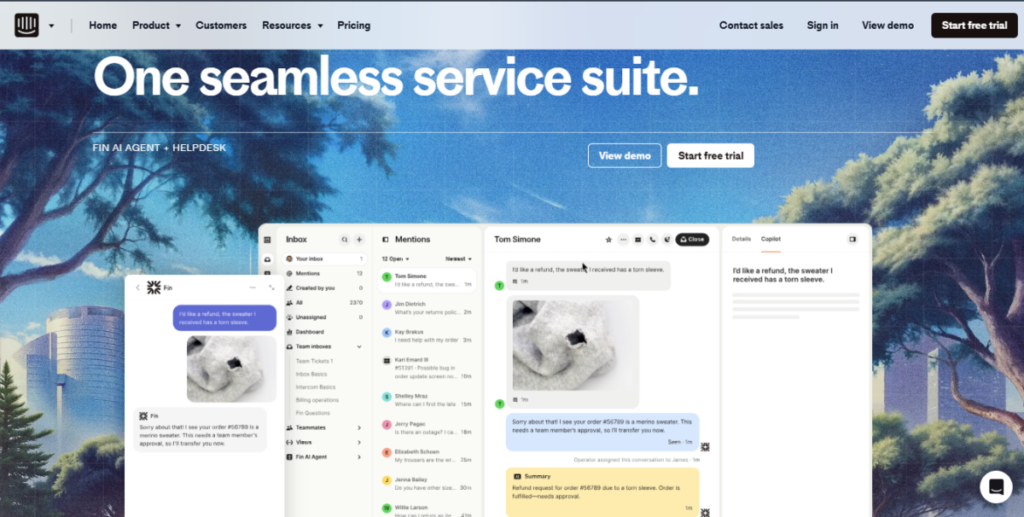
Intercom’s Fin AI feels less like a bot and more like a sharp, highly capable support teammate. It doesn’t just “reply” to messages; it actually understands them.
Fin can handle text chats, emails, voice conversations, and even images—all while remembering the context. This means customers don’t have to repeat themselves, and neither do your agents. When things get too complicated, it smoothly hands over the conversation to a human with all the background info intact. This mix of automation and human backup is what makes Intercom a leader in the AI space.
Key Features:
-
Multimodal AI: Understands text, images, and voice messages.
-
Smart knowledge retrieval: Pulls accurate answers directly from your help docs.
-
Built-in automation: Handles things like refunds, upgrades, and follow-ups.
-
Conversation-based workflows: Guides users toward helpful actions.
-
Performance dashboards: Shows exactly how AI is impacting speed and revenue.
Pros and Cons
| Pros | Cons |
| Human-like conversations that impress customers | Cost per active user can get quite high |
| Smooth flow with CRMs like Salesforce | Might be “overkill” for basic FAQ needs |
| 24/7 support across all time zones | May require some developer help for setup |
| Strong blend of support and sales | Steeper learning curve for new teams |
Best For:
-
Tech startups wanting personalized support at scale.
-
SaaS companies looking to turn support chats into sales opportunities.

-
Brands that deeply care about tone, context, and the overall customer experience.

4. Zoho Desk

Zoho Desk takes a very practical approach to AI. Instead of flashy bots, it focuses on helping teams stay organized, fast, and prepared.
The star here is Zia AI, Zoho’s built-in assistant that learns from past tickets and support patterns. It can actually predict a spike in problems before it happens. What makes Zoho Desk special is how tightly it integrates with the rest of the Zoho ecosystem. If you’re already using Zoho CRM or Books, everything just clicks. Support agents get the full picture of a customer without ever switching tabs.
Key Features:
-
Zia AI predictions: Warns you before ticket volumes start to surge.
-
Automatic ticket sorting: Suggests replies for faster response times.
-
Multi-channel support: Covers email, social media, phone, and web.
-
Self-service portals: AI-powered search to help customers find their own answers.
-
Multi-language support: Covers more than 50 languages.
Pros and Cons
| Pros | Cons |
| Very affordable if you’re already in the Zoho suite | The interface can feel a bit dated |
| Strong language support for global teams | Can slow down slightly with extremely high volumes |
| Detailed analytics and reporting | Bot conversations can feel a bit basic |
| Offers a functional free tier | Customization is limited compared to rivals |
Best For:
-
Small businesses already using Zoho tools.
-
Budget-conscious teams needing a reliable, structured AI.
-
International teams handling multiple languages.
5. Kommunicate
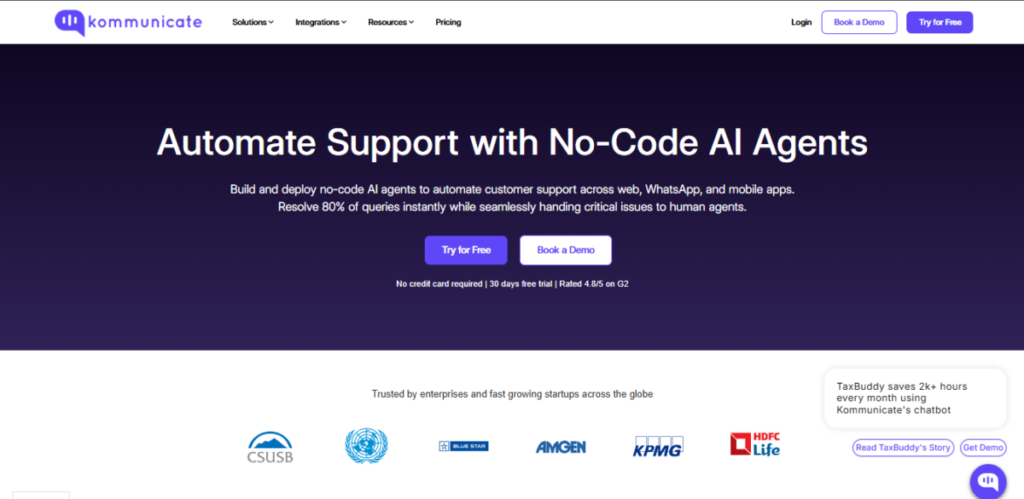
Kommunicate focuses on one thing: making chat support better through AI. It combines live chat with smart bots that know exactly when to step back and let a human take over.
The biggest plus is how easy it is to use. You don’t need to be a coder or hire a developer. You can build custom bots for FAQs, order tracking, or onboarding in minutes. If your support strategy relies heavily on messaging apps like WhatsApp or Facebook Messenger, Kommunicate keeps things simple and very effective.
Key Features:
-
No-code bot builder: For creating FAQ and support bots quickly.
-
Instant human takeover: Agents can jump into any chat instantly.
-
Messaging app support: Includes WhatsApp and Facebook Messenger.
-
Sentiment detection: Flags frustrated or angry customers immediately.
-
Conversation history: Ensures context is never lost during handoffs.
Pros and Cons
| Pros | Cons |
| Extremely easy to set up and navigate | Limited analytics if used as a standalone tool |
| Smooth handoff between bots and humans | The user community is still relatively small |
| Affordable even as support volume grows | E-commerce specific tools are a bit weak |
| Great chat-first user experience | Fewer advanced automation options |
Best For:
-
Agencies managing chat for multiple clients.
-
Non-technical teams looking for a “quick win” with AI.
-
Businesses focused heavily on messaging-based support.
6. Tidio
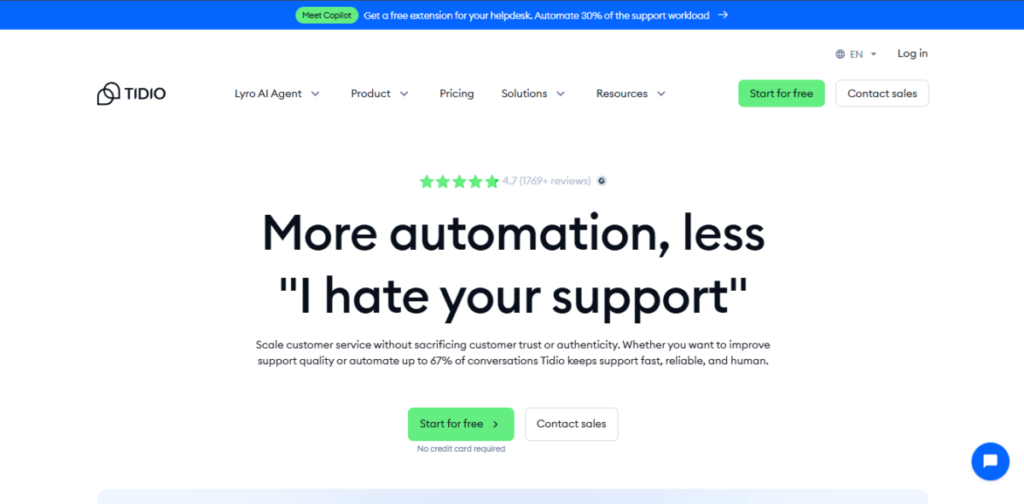
Tidio is a favorite among small businesses that want the best AI for customer support teams without the headache. Their AI assistant, Lyro, doesn’t guess or make things up. It learns directly from your website, help docs, and FAQs, making its replies accurate and to the point.
Many businesses using Tidio report that nearly 67% of their issues get resolved without a human ever stepping in. For a lean team, that is a massive victory. Plus, it blends chat support with simple e-commerce tools, helping you turn conversations into actual sales.
Key Features:
-
Lyro AI: Trained on your specific content for pinpoint accuracy.
-
Natural, multilingual replies: Sounds human, not robotic.
-
Live chat & AI combo: For seamless customer interactions.
-
E-commerce tools: Features like cart recovery and product suggestions.
-
Easy setup: Works right out of the box.
Pros and Cons
| Pros | Cons |
| Strong free plan for small teams | Monthly conversation limits on Lyro |
| Very simple to set up and use | Fewer enterprise-grade features |
| Helps recover abandoned shopping carts | Voice support options are quite basic |
| Clean, modern, and intuitive interface | Limited depth for complex automation |
Best For:
-
Online stores and solopreneurs on a budget.
-
Small teams needing a fast, effective setup.
-
European teams requiring strong multilingual capabilities.
7. Forethought.ai
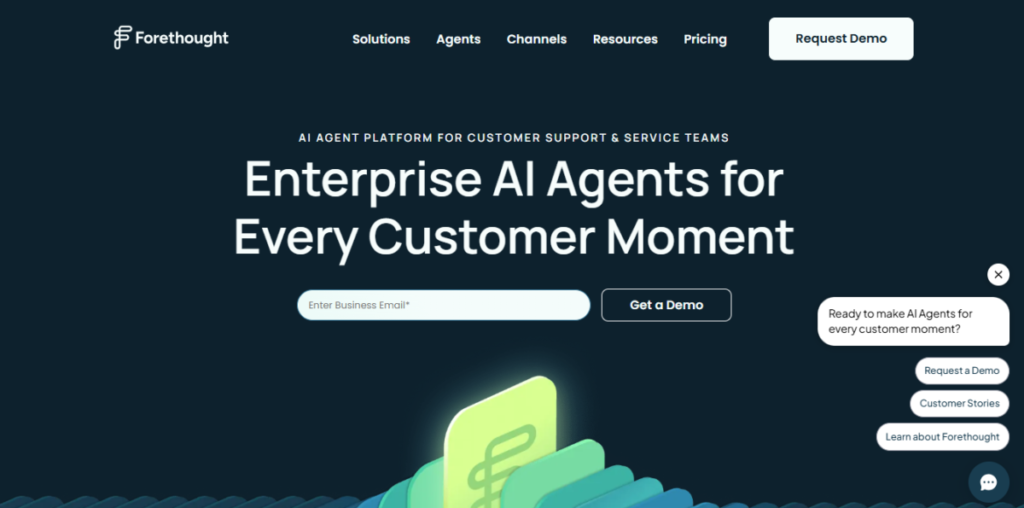
Forethought.ai is built for teams that want AI to do the “heavy lifting.” Instead of just assisting agents, Forethought focuses on complete ticket resolution. Their autonomous agents can handle over 60% of support tickets from start to finish.
It works across email, chat, and voice, reading incoming requests to understand the true “intent” before taking action. This approach drastically reduces ticket backlogs and prevents agent burnout. If your inbox feels overloaded and repetitive, this is the kind of AI that provides real relief.
Key Features:
-
Autonomous AI agents: Resolves tickets end-to-end.
-
Enterprise-grade security: Includes SOC 2 compliance.
-
Custom AI skills: Tailored to your specific industry needs.
-
Clear analytics: To fine-tune workflows and responses.

Pros and Cons
| Pros | Cons |
| High ticket deflection saves time and money | Some features require a long approval process |
| Handles complex, unstructured questions well | Pricing isn’t fully transparent upfront |
| Proven fast return on investment (ROI) | Smaller brand presence compared to legacy players |
| Significantly reduces agent workload | Needs high-quality training data for best results |
Best For:
-
High-volume teams looking for maximum automation.
-
B2B companies with complex products or workflows.
-
Businesses strictly focused on cutting support costs.
8. Wonderchat
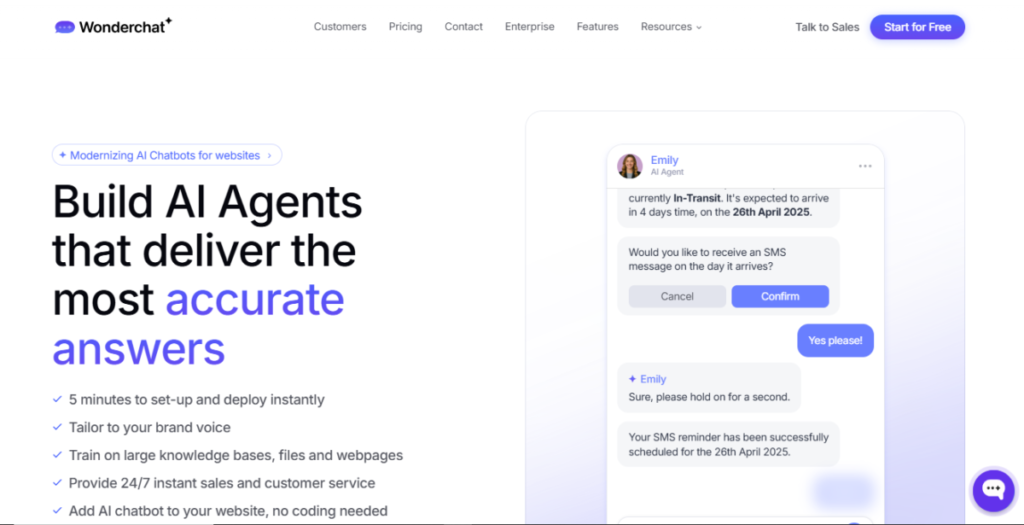
Wonderchat is all about speed, privacy, and simplicity. Their GPT-powered bots learn your website content and are ready to go in about five minutes. No developers, no waiting.
What sets Wonderchat apart is its privacy-first design—your data stays with you and isn’t shared with third parties. It also speaks over 100 languages, making it a solid choice if your customers are spread across the globe.
Key Features:
-
Auto-training: Learns from your URL for instant accuracy.
-
100+ Languages: Great for global reach.
-
Embeddable anywhere: Websites, Slack, or internal tools.
-
Lead generation: Converts chat interactions into potential sales.
Pros and Cons
| Pros | Cons |
| Extremely fast setup (minutes) | Deep analytics are somewhat limited |
| Strong privacy and data controls | Conversation caps on cheaper plans |
| Built-in lead capture functionality | Less effective for hybrid human-AI flows |
| Fantastic multilingual support | Fewer advanced automation “bells and whistles” |
Best For:
-
Bootstrapped startups needing AI right now.
-
Privacy-conscious teams in regulated industries.
-
Websites with a diverse, international audience.
How to Choose the Right AI Tool for Your Business?
Picking the right tool can feel overwhelming, but these 3 steps will help you cut through the noise:
-
Check Your Volume: If you handle fewer than 100 tickets a day, go for something like Tidio or Freshdesk. If you’re dealing with thousands, you need the power of Zendesk or Forethought.
-
Look at Integrations: Do you use Shopify, Salesforce, or Slack? Make sure the tool you pick plugs into your existing software without a fight.
-
Take the Free Trial: Never buy without trying. Almost all these tools offer a trial. Test at least two for a week to see which dashboard your team actually likes using.
The Bottom Line
Here’s the breakdown: Zendesk AI is your best bet for massive scale and full channel coverage. Freshdesk keeps things easy and fast with Freddy AI. Intercom (Fin AI) is gold if you want your support chats to feel like high-end sales conversations.
Zoho Desk is the budget-friendly hub for small businesses, while Kommunicate is perfect for those who live in messaging apps. Tidio makes solopreneurs look like pros, Forethought is the king of automation, and Wonderchat is the go-to for privacy and instant setup.
Have you ever been stuck waiting forever for a support reply? With the best AI for customer support teams, your customers won’t have to. Pick a couple of trials and start testing. Your customers (and your stressed-out agents) will thank you!
Top 10 Best Free AI Tools for Students in 2025: Study Smart!
FAQs
Will AI support completely replace human agents?
Not at all. AI is here to handle the repetitive, boring stuff so that humans can focus on complex, emotional, and high-priority issues. It’s an assistant, not a replacement.
What is the most affordable AI tool for a small business?
Tidio and Zoho Desk are very budget-friendly. Their free plans are also a great way to get your feet wet without spending a dime.
Are these tools hard to set up?
Most modern tools like Wonderchat and Freshdesk are “plug-and-play.” You can usually get them running in a few hours without knowing a single line of code.
Do these AI tools support Indian languages like Hindi?
Yes! Tools like Zendesk, Zoho Desk, and Wonderchat support multiple languages, including Hindi.
Can I try them before buying?
Absolutely. Almost every tool on this list (Zendesk, Freshdesk, Tidio, etc.) offers a free trial so you can see the results for yourself before committing.
Online Game se Paise Kaise Kamaye 2026: Top 16 Apps से ₹ कमाएं
Top AI Tools Hindi: यूज़र बेस, फायदे और खतरे (Ai Tools Hindi)
21 Best AI Tools जो आपका काम आधा कर देंगे: Time-Saving Productivity Hacks 2025
AI Video Revolution: 40+ सबसे धांसू AI Video Tools की पूरी लिस्ट
India’s No. #10 Hindi news website – Deshtak.com