Life-Changing AI Tools: The best websites to simplify your life and work
Did you know that in today’s era, people who know how to use AI Tools correctly are earning more than those with years of degrees?
According to a Goldman Sachs report, AI could impact 300 million jobs in the near future.
But there is no need to panic. Because the person who learns AI won’t be replaced; instead, they will progress and grow.
In this article, we are going to explore 22 such AI Tools that will not only save your time but will completely change the way you work.
Automation & Workflow (To Automate Work)
1. n8n (N-Eight-N)
This is considered one of the most dangerous (in a good way) and powerful AI tools in the world.
How it works: Think of it like an engine. It connects different apps and AI tools (like ChatGPT, Google Sheets, Slack) together like a “puzzle.” You can hand over research, writing, and editing tasks to it all at once, and it works on auto-pilot.
Free/Paid: Its Self-hosted version is Free (requires a bit of technical knowledge), but the Cloud version is Paid.
10 Free AI Tools Worth Trying in 2025: Save Money & Get Smart
Video & Content Creation (For Video and Content)
2. Synthesia
Perfect if you want to make videos without appearing in front of a camera.
How it works: It clones your face and voice. You just write the text, and your AI avatar will start speaking in your voice. It works in 120+ languages.
Free/Paid: This is a Paid tool (you might get a demo at the start).
3. Vizard.ai
The best tool for converting long videos into shorts.
How it works: If you have a 1-hour podcast, this AI finds the funniest and most engaging parts and automatically cuts them into 15-60 second clips (Shorts/Reels). It even adds captions and hashtags by itself.
Free/Paid: Freemium (You get some minutes for free, with a watermark. You pay for more).
4. MagicHour.ai
How it works: This creates video from images. You can also do video-to-video generation here. Meaning, you can completely change the style of any video or make a character lip-sync perfectly.
Free/Paid: Freemium (Limited credits are given for free).
5. FloraFauna
A fantastic tool for Consistency.
How it works: If you want to create different photos of the same character (like putting a bag in their hand, changing their dress) without messing up their face, this tool is the best. It can also generate models in video format.
Free/Paid: Paid (Most advanced features are paid).
7 Best AI Automation Tools to Grow Your Business 10X in 2025 — No Staff, No Code.
Web Design & Coding (Websites and Coding)
6. Lovable.ai
How it works: A 21-year-old guy made crores using this. You don’t need any coding skills. You just chat with this AI, tell it what kind of website you want, and it will build and ready the entire website for you.
Free/Paid: Paid (You might get a trial, but it’s paid for commercial use).
7. Blackbox AI
How it works: This is built specifically for coding. If ChatGPT or other AIs refuse to write a certain code, Blackbox AI will write the correct code for you without throwing any tantrums.
Free/Paid: Freemium (It is free to a large extent).
Design & Graphics (Designing and Images)
8. TinyWow
This is a treasure trove of tools.
How it works: Hundreds of tasks like editing PDFs, converting videos, and removing backgrounds happen here. You just have to upload the file, and the work gets done.
Free/Paid: This is 100% Free (with Ads).
9. Supercolorpalette.com
How it works: If you can’t figure out which colors will look good on a website or video, this website creates the world’s best color combinations (Palettes) for you.
Free/Paid: Free.
10. Upscale Media / Lupa AI
How it works: If you have a blurry or old photo, this AI converts it into HD quality (Upscales it).
Free/Paid: Freemium (Some photos free, then paid).
11. BrandBird
How it works: Makes boring screenshots look beautiful. If you want to give your screenshot a 3D look or apply a professional background, use this.
Free/Paid: Freemium (Basic features are free, watermark is removed in Pro).
12. Items.design
How it works: This is a library for designers. Here you get different types of abstract shapes, 3D icons, and their prompts which you can use in your projects.
Free/Paid: Free Resource.
13. Recraft.ai
How it works: This converts normal images into SVG (Vector). The benefit is that no matter how much you zoom into the image, it won’t pixelate. This is excellent for making Logos.
Free/Paid: Freemium (You get daily credits).
14. Hit M3D (CSM.ai)
How it works: Upload any 2D photo, and it will create a 3D model of it which you can rotate and view in 360 degrees.
Free/Paid: Freemium.
15. FlipAnim
How it works: Here you can make your own GIFs by drawing frame-by-frame. It is simple and fun.
Free/Paid: Free.
Productivity & Daily Use (Everyday Tasks)
16. Problem Hunt
How it works: This is the place to find business ideas. Here people share their problems, and entrepreneurs build solutions (Apps/Tools) for them.
Free/Paid: Free to browse.
17. Napkin.ai
How it works: This turns your boring text into visuals and diagrams. If you need to put flowcharts in a blog or presentation, just paste the text, and the diagram is ready.
Free/Paid: Currently Free (Beta version).
18. Path to Design
How it works: Here, the world’s big creative directors reveal which tools and books they use. This is an excellent directory for learning.
Free/Paid: Free.
19. AI Coupon Code Finder (ChatGPT Plugin)
How it works: Turn this on when you are buying something online. It will search the internet and bring you working discount codes and coupons.
Free/Paid: This might require ChatGPT Plus (Paid).
20. Transfer.zip
Best for file sharing.
How it works: Telegram or Email have file size limits, but there is no limit here. You can send 5GB, 10GB, or even larger files for free.
Free/Paid: Free (As mentioned in the video).
Writing & Detection (For Writing and Checking)
21. Humanize AI
How it works: If you got something written by ChatGPT, it sounds robotic. Paste the text in this tool, and it will change it to sound as if a human wrote it.
Free/Paid: Freemium (Some words free, the rest paid).
22. GPTZero
How it works: This is to catch whether the content in front of you was written by AI or a human. Teachers and clients use this.
Free/Paid: Freemium (Basic scan is free).
Oh, and One More Thing: A Bonus Section of 30+ AI Tools
30+ AI Tools: Websites that change the whole game of Video Editing and Content Creation
Did you know that today a single creator can make an entire movie with the help of AI? Work that used to require massive teams can now be done by you, sitting at home.
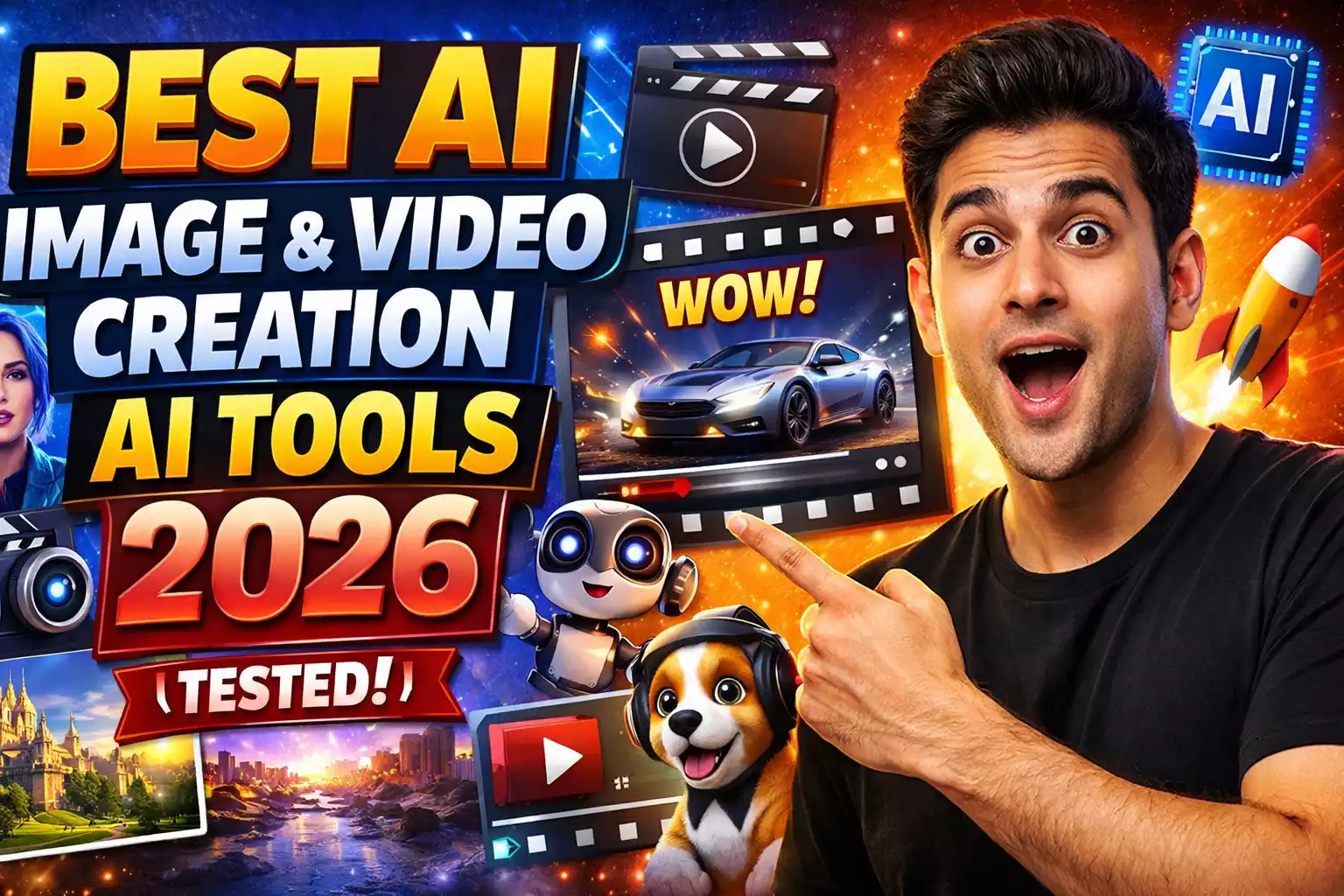
In this list, we have added some of the best and newest AI tools for Video Editing, Image-to-Video, and Generative AI.
Whether you are a YouTuber, Freelancer, or Business Owner, these tools will turn your hours of work into minutes.
Section 1: AI Video Generators (Text/Image to Video)
If you don’t have a camera or don’t want to show your face, these tools are for you.
1. HailuoAI (MiniMax) (New & Trending)
This is currently the hottest topic in the market because its quality is on the level of Sora and Runway.
How it works: It is the king of ‘Text to Video’ and ‘Image to Video.’ You give it a photo or write a prompt, and it puts absolutely Realistic Movement into it. Physics in the video (like hair flying in the wind, the flow of water) looks very natural.
Free/Paid: Currently it is in Free (Beta Phase), so take advantage of it immediately.
2. InVideo AI (New)
This is a blessing for ‘Faceless YouTube Channels.’
How it works: You just write a topic (e.g., “Top 10 Haunted Places in India”), and this AI will write the script itself, find stock footage itself, do the voiceover, add background music, and ready the entire video. You can also make changes to it by chatting.
Free/Paid: Freemium (Watermark comes in the free plan, gets removed in paid).
3. HeyGen (New)
This is Synthesia’s biggest competitor and is the best at lip-syncing.
How it works: You can upload your photo or create your own avatar. When you input text, it lip-syncs with such accuracy that you can’t even tell it’s AI. It also has a ‘Video Translation’ feature that dubs your video into another language in your own voice.
Free/Paid: Paid (You get 1 credit in the free trial).
4. Krea AI (New)
This is magic for creative people.
How it works:
- Real-time Generation: As you draw, a similar HD image will keep forming on the side.
- Image to Video: It is very famous for turning photos into videos and for ‘Morphing’ effects (changing one thing into another).
- Upscaler: It turns a pixelated photo into Super HD.
Free/Paid: Freemium (You get daily free renderings).
5. MagicHour.ai
How it works: Best for Deepfake style videos or video-to-video style transfer.
Free/Paid: Freemium.
Section 2: AI Video Editing & Repurposing
Tools that save hours spent on editing.
6. VEED.IO (New)
This is the biggest name in online video editors.
How it works: It has a ‘Magic Cut’ feature that automatically removes silence and “Umm/Ahh” from the video. It is the industry’s best tool for adding Auto-Subtitles (Captions). It also has screen recording and AI avatars.
Free/Paid: Freemium (There are watermarks and limits in the free version).
7. Vizard.ai
How it works: It scans a 1-hour podcast by itself and cuts out 10-15 viral-worthy Shorts/Reels.
Free/Paid: Freemium.
8. Envato Labs (New)
Envato (known for digital assets) has launched its experimental AI tools.
How it works: Here you get small but powerful tools to generate AI Sound Effects for video, make videos from photos, and animate graphics.
Free/Paid: Free/Beta (Currently these are in the experimental phase).
Section 3: AI Design & Graphics (Visuals)
For making thumbnails, logos, and assets for videos.
9. Adobe Firefly (New)
Adobe’s (the makers of Photoshop) own AI.
How it works:
- Generative Fill: Select any part of a photo and write what you want there (e.g., “Add sunglasses”), and it adds it absolutely realistically.
- Text Effects: Can write text in any texture (like fire, balloons, pizza).
Free/Paid: Freemium (You get 25 free credits every month).
10. Freepik AI (New)
Designers’ favorite website, now with AI.
How it works: It has a tool named Pikaso. You make a rough sketch (no matter how bad the drawing is), and it will turn it into a fantastic 4K image in real-time. Plus, there are millions of free vectors and stock photos here too.
Free/Paid: Freemium (A lot is available for free).
11. Midjourney / Recraft.ai
How it works: Recraft is best for creating vectors (SVG) so logos don’t pixelate. Midjourney is for the best artistic images.
Free/Paid: Recraft (Freemium), Midjourney (Paid).
Missing Sub-topic Added: AI for Research & Learning
Your article is missing some essential AI Tools related to research and learning. To fill this gap, I am adding a new section.
Research & Learning (For Study and Research)
23. Consensus AI
How it works: This is a kind of ‘ChatGPT for Research.’ If you want to know about any topic, this AI finds answers directly from millions of Scientific Papers and studies. This is the most trustworthy AI Tool for understanding anything.
Free/Paid: Freemium (Basic search is free).
24. Perplexity AI
How it works: This is a mix of Google Search and ChatGPT. Ask any question, and it will give you the answer along with telling you where it got that information from (it gives Source Links). This is excellent for students and content creators.
Free/Paid: Free (It also has a Pro version).
Conclusion
All these AI Tools can increase your productivity by 10 times. Most of these tools work on a Freemium model, meaning you can start using them for free and when work increases, you can take a paid plan.
Pro Tip: Try TinyWow (for small tasks) and Blackbox AI (for coding) first because they are very easy to use and free.
FAQs (Best AI Tools of 2026)
Bro, is it actually possible to get these AI tools for free?
Yes, absolutely! Most AI Tools in this article are ‘Freemium’, which means you can use the basic features for free. Like TinyWow and Perplexity AI.
Which is the most essential AI Tool that everyone should use?
If you are a student, then Perplexity AI (for research), and if you are a creator, then Vizard.ai (for making short videos) are the most essential.
How to make AI-written text look like a human wrote it?
For this, you can use the Humanize AI tool. It changes the content written by AI and makes it look as if a human wrote it.
Will I lose my job by using AI tools?
No! AI won’t take your job, but the human who knows how to use AI will take it. By learning AI, you will progress, not get replaced.
Online Game se Paise Kaise Kamaye 2026: Top 16 Apps से ₹ कमाएं
Top AI Tools Hindi: यूज़र बेस, फायदे और खतरे (Ai Tools Hindi)
21 Best AI Tools जो आपका काम आधा कर देंगे: Time-Saving Productivity Hacks 2025
AI Video Revolution: 40+ सबसे धांसू AI Video Tools की पूरी लिस्ट

India’s No. #10 Hindi news website – Deshtak.com
(देश और दुनिया की ताज़ा खबरें सबसे पहले पढ़ें Deshtak.com पर , आप हमें Facebook, Twitter, Instagram , LinkedIn और Youtube पर फ़ॉलो करे)